

198 EXCHANGE
Account Registration
Join Us Today!


Step 1- Register Account
Click on the registration button and fill in the fields as shown in the attached photo.
IMPORTANT in order to have WAGERTOOL ACCESS:
You must select 198 WAGER TOOL and Skype Betting
In the referral, choose PRT ORBITX


In some countries, it is necessary to use a VPN to access the Bet-Football website
If your country is not listed here, please select another country


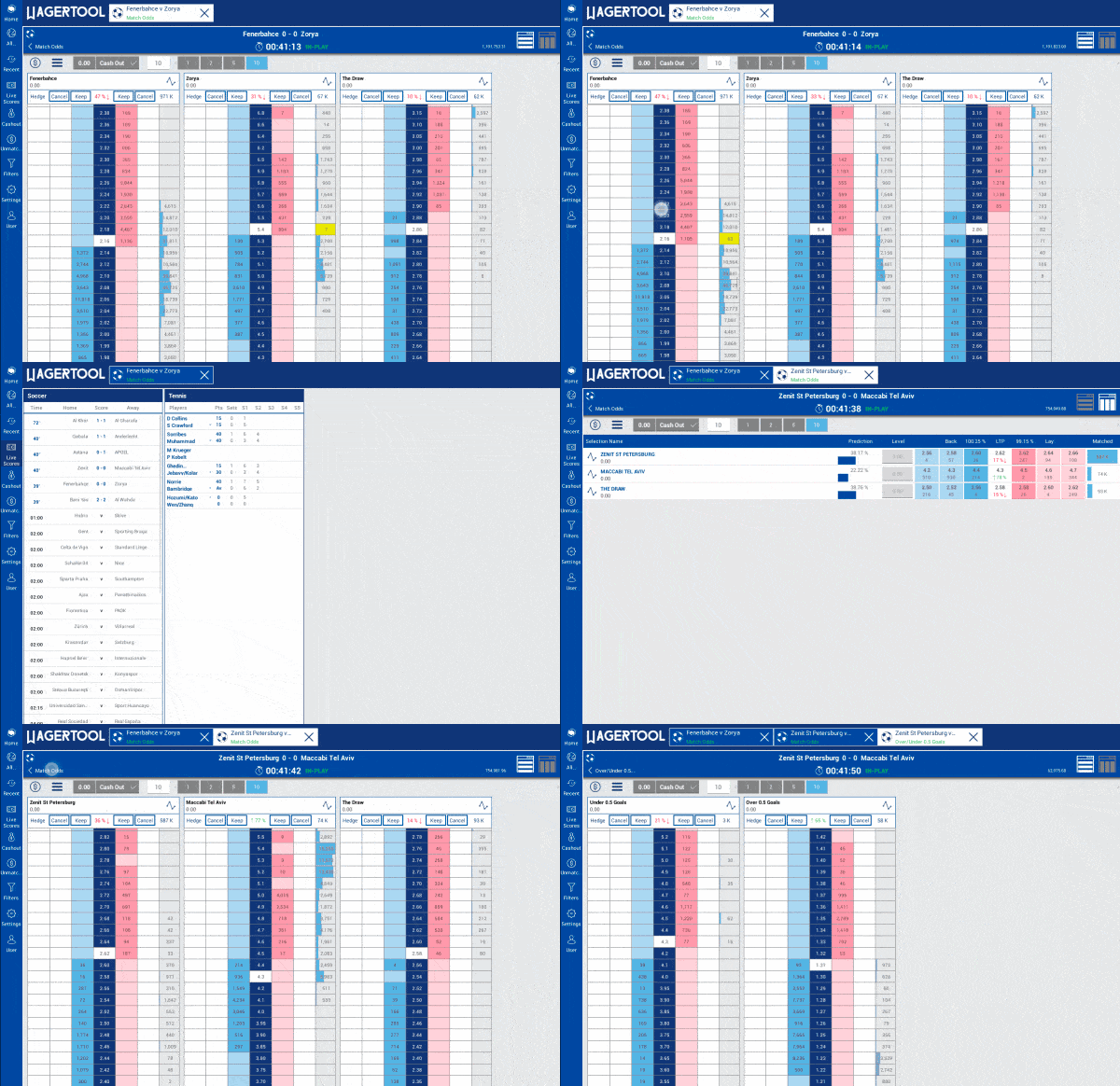
You can now use the trading tool fully integrated with 198 Exchange. Take your betting experience to the next level with advanced trading features designed to maximize your control and efficiency
IMPORTANT:
We inform you that only customers registered under our affiliate name — referral name: PRT OrbitX — will have access to accounts with the Wagertool software.
If you already have a Bet-Football account but are not sure whether it is affiliated with PRT OrbitX, you should contact us.
Click here in order to register under our link
.webp)
Step 2- KYC
Log in with at Bet-Football website with the details you used to register, username and password, then click on your username at the top of the site, then click on KYC, upload your documents, and click SUBMIT
Upload the following documents:
1X proof of address, which could be an electricity or water bill or bank statement (from the last 3 months).
1X a copy of your identity document (passport, ID card or driving licence)
Click SEND, you will then receive an email confirming your verified identity, always check your SPAM box

Step 3- First Deposit
With the identity verified, let's proceed with the first deposit
Login at Bet-Football, then click payments
The minimum deposit for a new account is 30€
If you need a VPN to access the Bet-Football website, check out this tutorial here for deposit purposes

Step 4- Request your betting account
After uploading the deposit amount to your Bet-Football account, please follow these steps:
- Send an email to info@bet-football.com and paste this email proforma, changing only your username:
‘Hello,
my BF username is ‘XXXXX’ I would like to ask you to create a 198 Wagertool account, please transfer the balance of my Bet-Football account to this new account.
Best regards’
indicating the username and informing the amount to be credited to a new 198 EXCHANGE account
